Authenticating Users
Once you have completed the Google setup, you can then proceed to authenticating users.
Terminology
First, a terminology note: credentials can refer to two separate things:
Info for verifying the identity of your application
Info for verifying the identity of the user(s)
The credentials that you downloaded from console.cloud.google.com are application credentials, referred to in code as the “client secrets file”. In the Google setup, you may have saved this as secrets.json
The application credentials are then used to prompt individual users / Google accounts to log in via a browser, and once successful, that authentication information can be saved, which we will refer to as the user credentials. The default location for this with the googly library is ~/.config/googly/$API_NAME.json
Standard Login
When you attempt to construct one of the API objects, it will use the available credentials to set up the API connection.
Link Generation
If there are no user credentials yet, googly will use the application credentials to generate a link, starting with https://accounts.google.com/o/oauth2/auth.
The link will be printed on the console with instructions to “Please visit this URL to authorize this application.”
The link will also be potentially opened with the system’s default web browser.
Authenticating in Browser
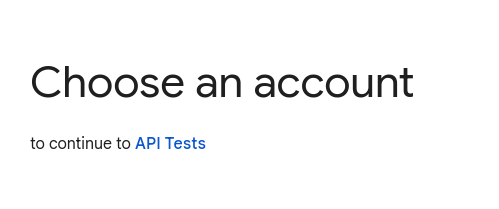
Visiting the link will result in you being prompted to choose which Google account you would like to authenticate with.
Safety Warnings
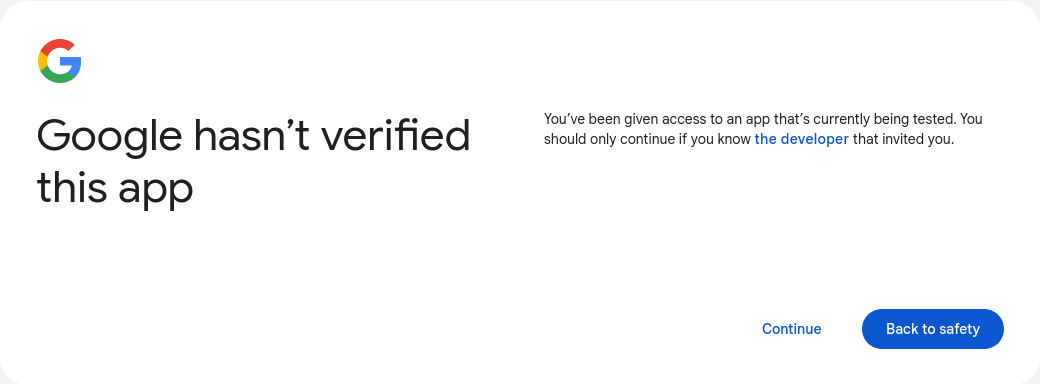
If using certain “sensitive” APIs, your app will need to be verified before it is rolled out to all users. However, if you just want access to a select few users’ data, then you can just get around that by selecting “Continue” when prompted with this screen.
Specific Scope Selection
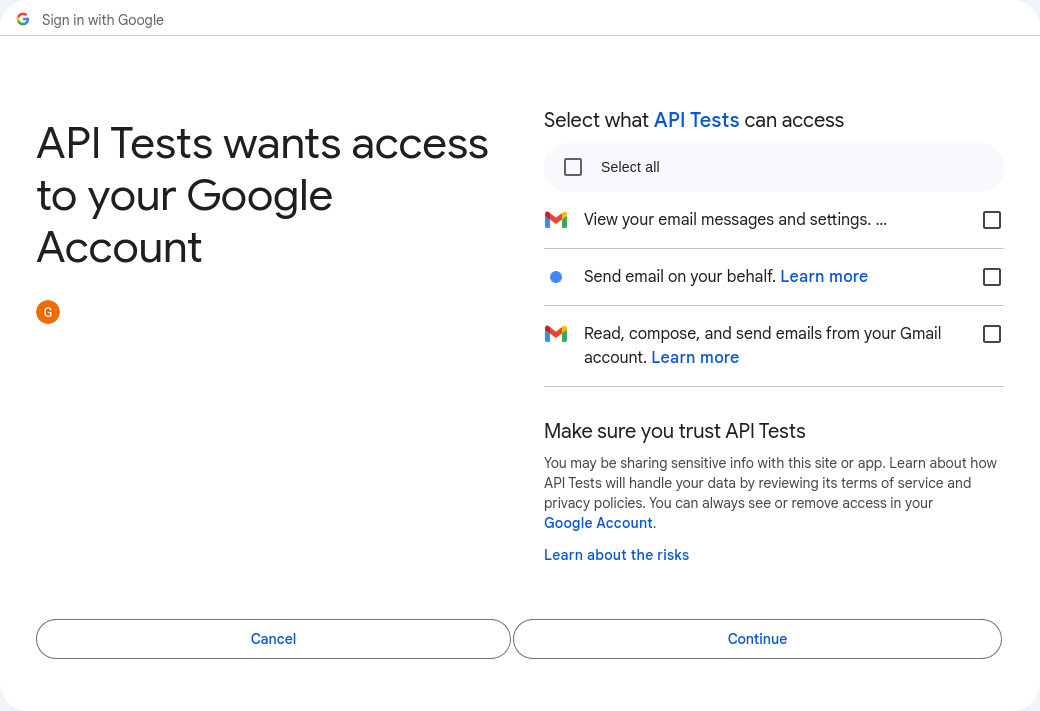
Next, the user will need to confirm that they want to give your application access to the data you’ve requested.
File Customization
All of the API objects take three parameters related to authentication.
project_credentials_pathuser_credentials_folderuser_credentials_subfolder
If not specified, the result will be that the project credentials will be read from secrets.json in the current directory and the user credentials will be read from/written to ~/.config/googly/API_NAME.json (i.e. if using the calendar API, ~/.config/googly/calendar.json).
Changing the project credentials path or the user credentials folder are pretty straight-forward. The user credentials subfolder can require some additional explanation. If specified, it will add an extra subfolder to the main folder, i.e. using the default folder and specifying the subfolder 'my_awesome_subfolder' will result in the user credentials path being ~/.config/googly/my_awesome_subfolder/API_NAME.json. This allows you to have multiple Google accounts authenticated from one .config folder.
For example, say if you use this library with your personal account, but also want to use this library with your work account. You could put the credentials in different subfolders to keep them from getting confused.